

Constraint
No search feature
Visible date, genre, and venue filters had to carry discovery without making a small catalog feel limited.
A mobile ticketing prototype that connects discovery, purchasing, account management, and entry across three Phoenix-area venues without relying on search.
Summary
Mood explores how a deliberately limited event catalog can still feel flexible. The work progresses from mid-fidelity structure into four end-to-end high-fidelity flows.
Constraint
Visible date, genre, and venue filters had to carry discovery without making a small catalog feel limited.
Approach
Event details, quantities, payment, terms, and review appear in a deliberate sequence with clear feedback states.
Outcome
Repeated navigation, event, form, and ticket patterns connect the experience from first launch to entry.
Highlights
Start with six representative screens, then continue into the complete flows when you want to inspect every state and decision.
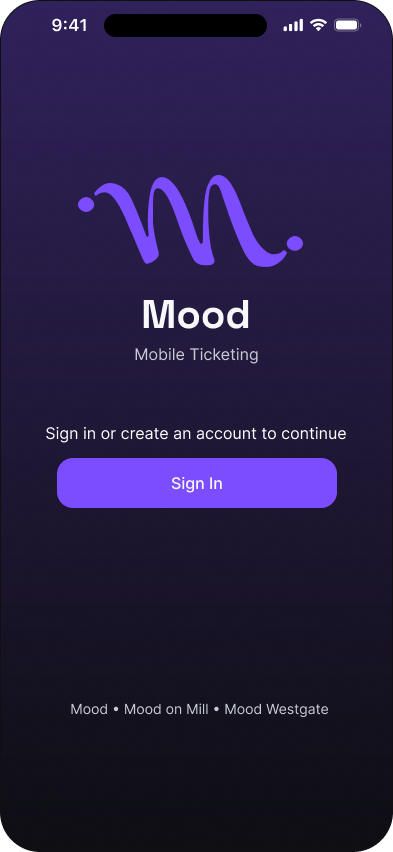
Cover
High fidelity · Highlight
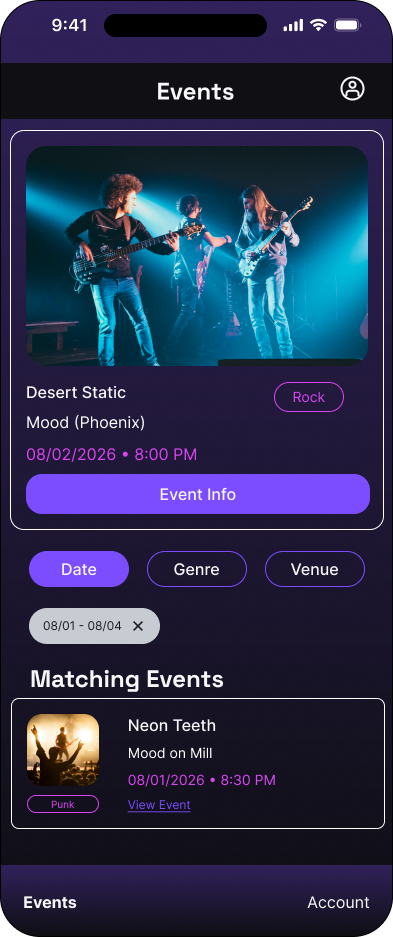
Filtered event results
High fidelity · Highlight
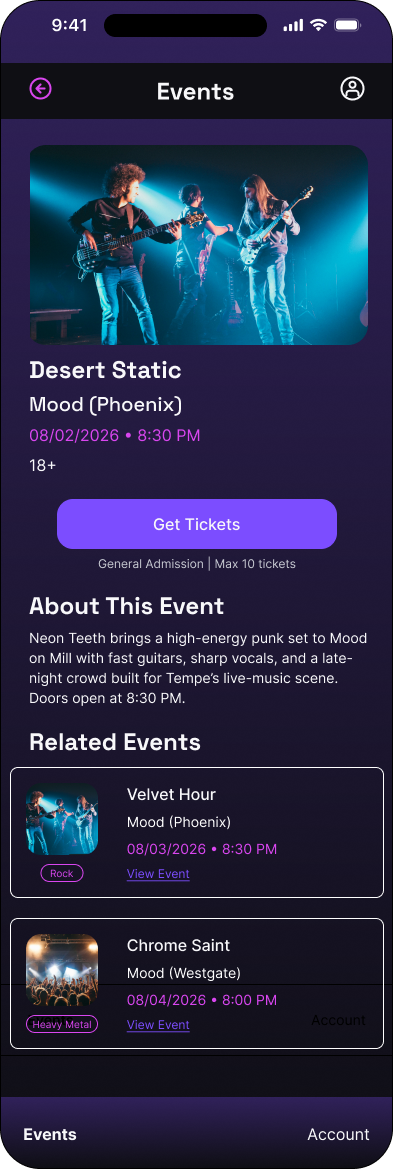
Individual event
High fidelity · Highlight
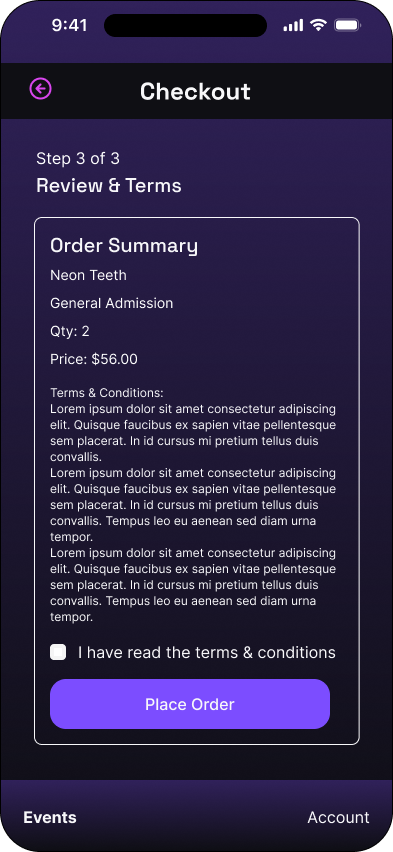
Review and terms: initial state
High fidelity · Highlight
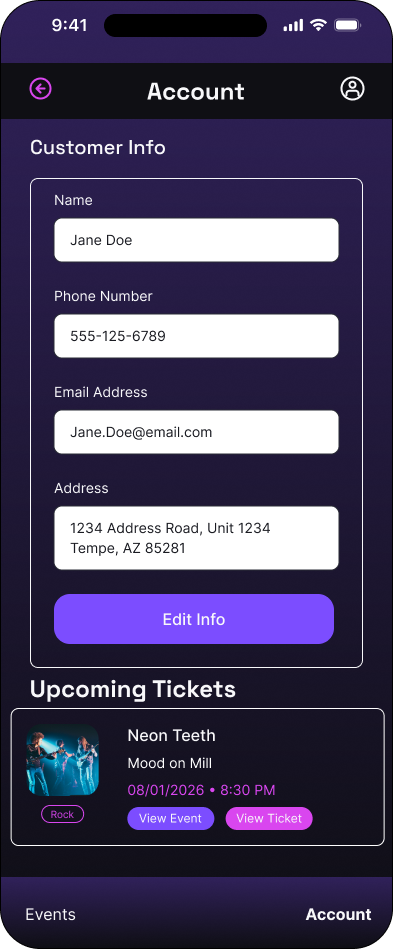
Account
High fidelity · Highlight
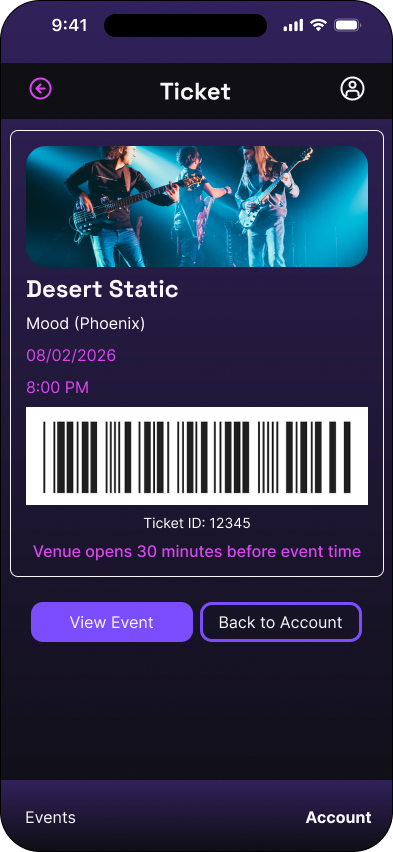
Virtual ticket
High fidelity · Highlight
Final prototype
Every meaningful screen and interface state is preserved below. Use the flow index to jump directly to a journey, or move through the work in assignment order.
FLOW 01
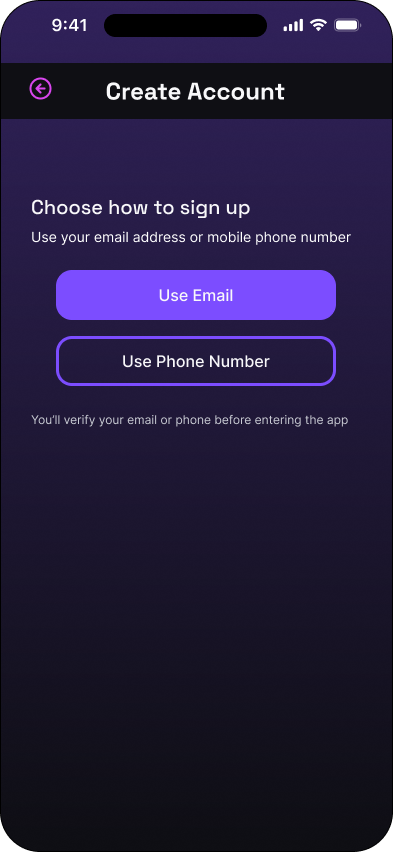
Account creation moves from method selection and validation through optional profile details, then into event discovery.
Cover
High fidelity · 01 of 15
Choose a sign-up method
High fidelity · 02 of 15
Email sign-up: empty state
High fidelity · 03 of 15
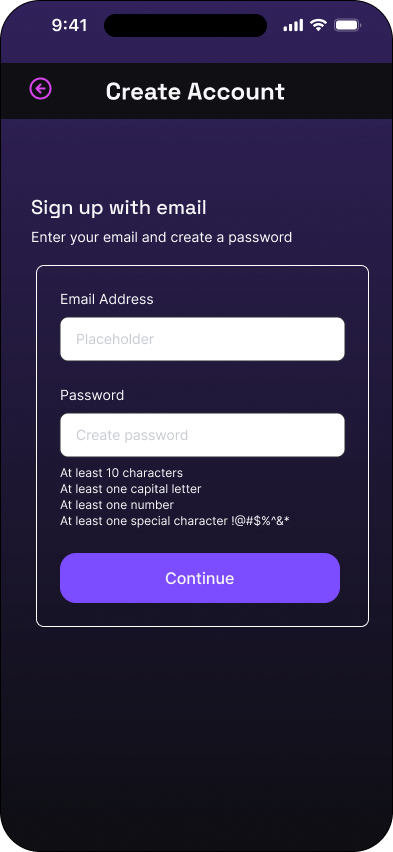
Email sign-up: completed state
High fidelity · 04 of 15
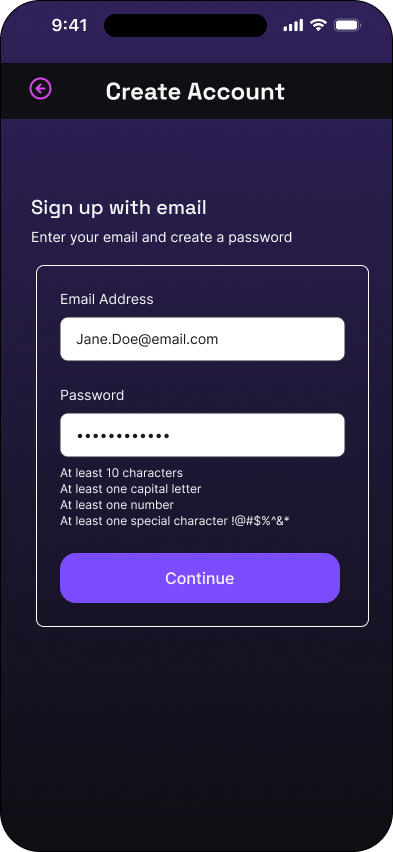
Phone sign-up: empty state
High fidelity · 05 of 15
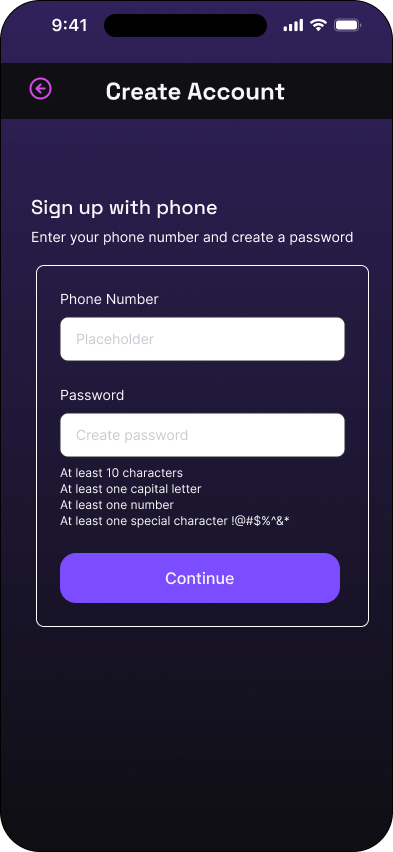
Phone sign-up: completed state
High fidelity · 06 of 15
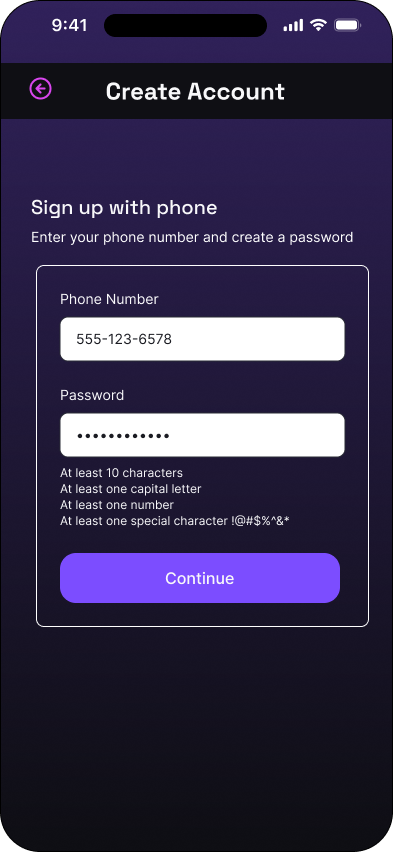
Verification code: initial state
High fidelity · 07 of 15
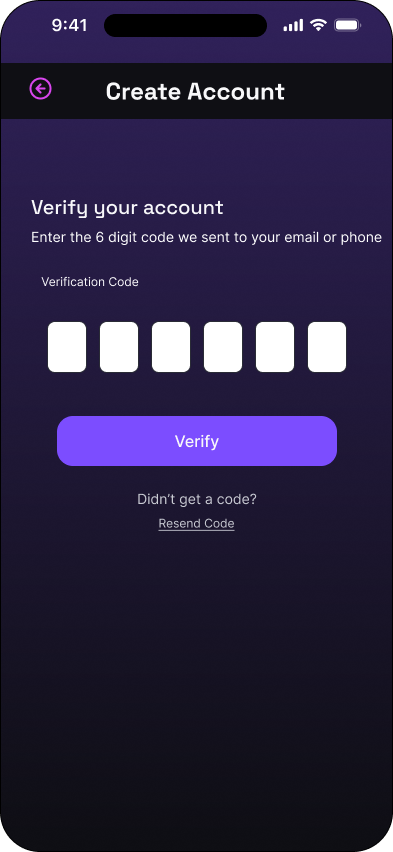
Verification code: entered state
High fidelity · 08 of 15
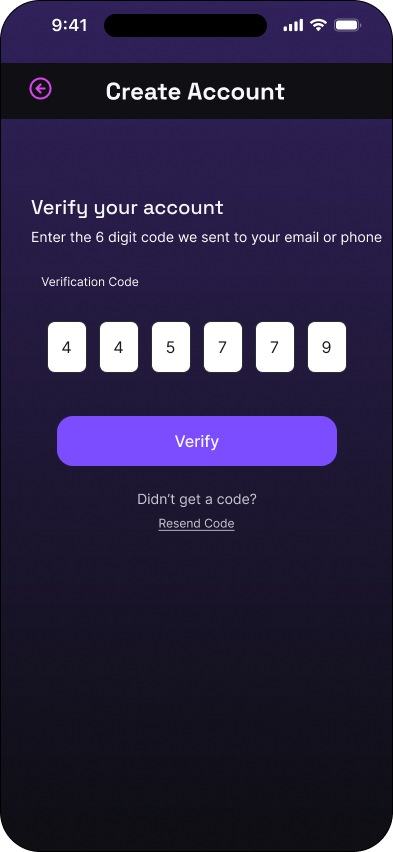
Verification code: validated state
High fidelity · 09 of 15
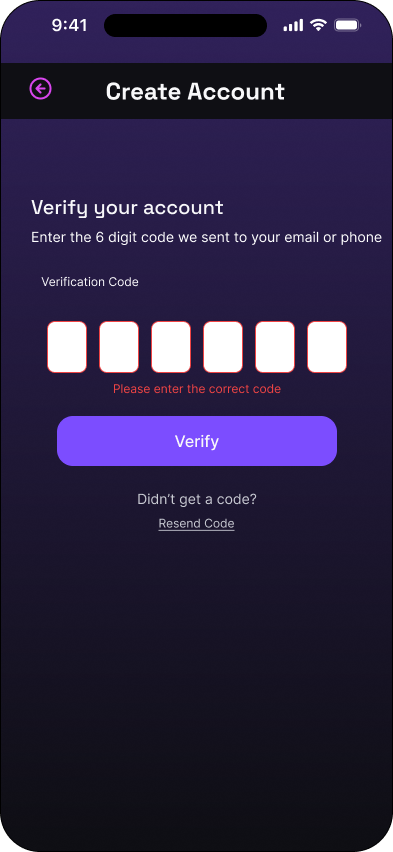
Account created
High fidelity · 10 of 15
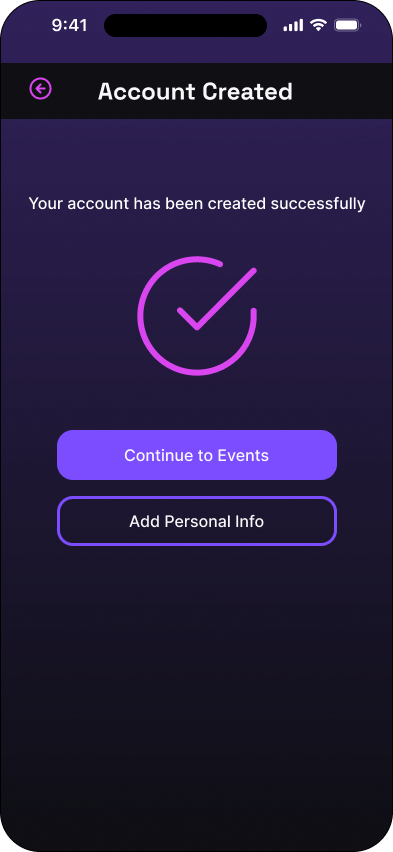
Personal information: empty state
High fidelity · 11 of 15
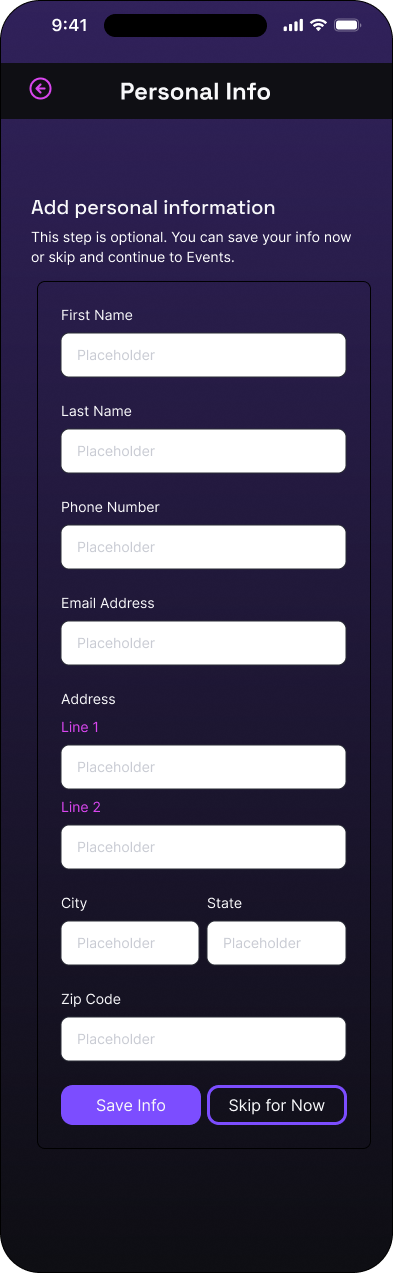
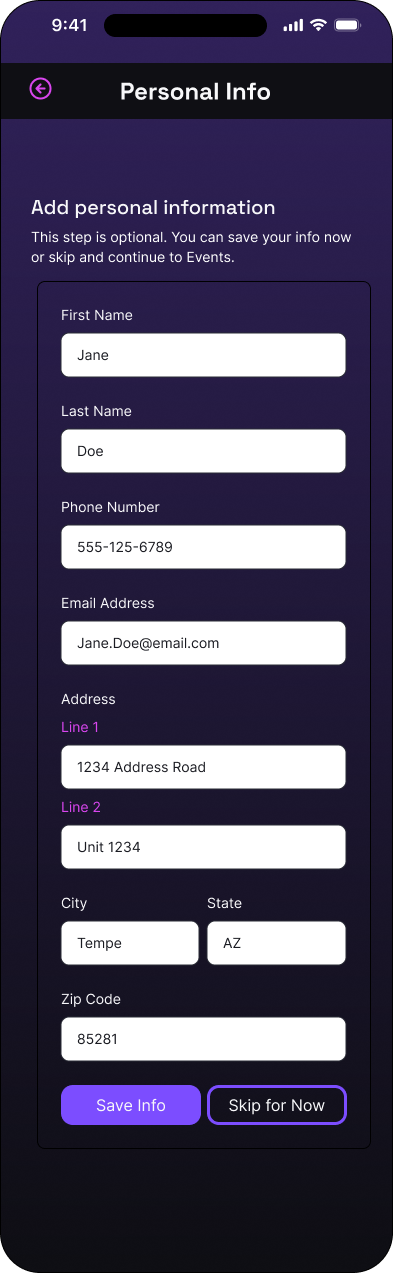
Personal information: completed state
High fidelity · 12 of 15
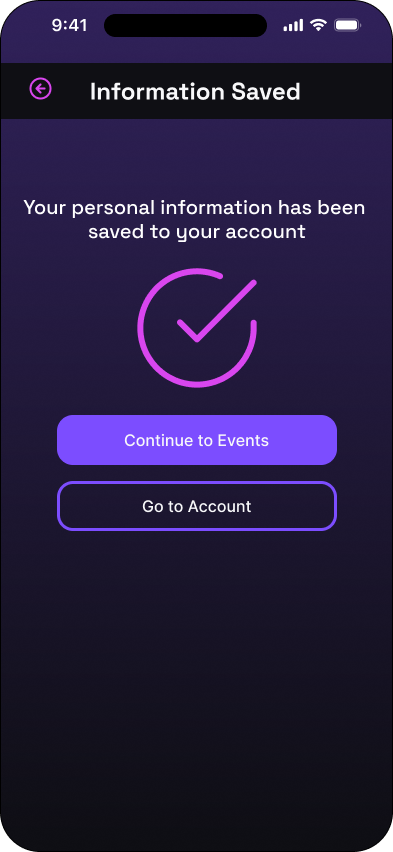
Personal information saved
High fidelity · 13 of 15
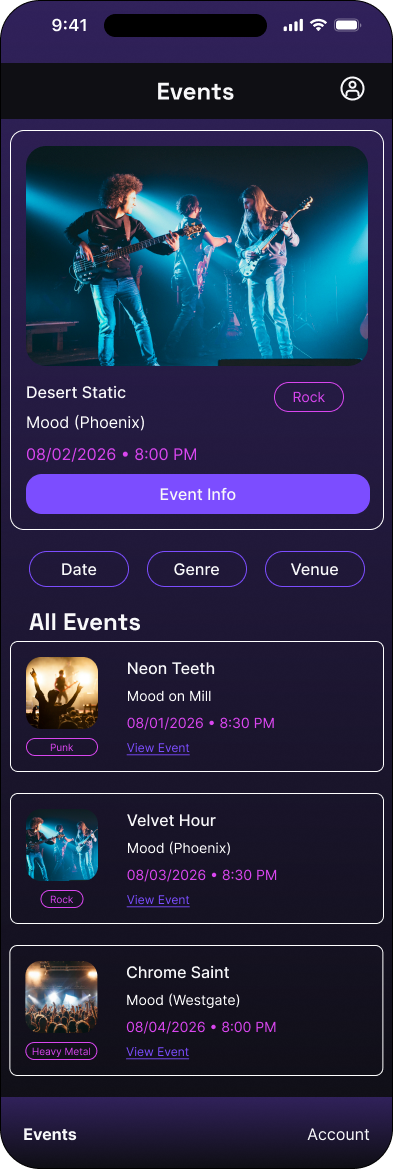
Main events
High fidelity · 14 of 15
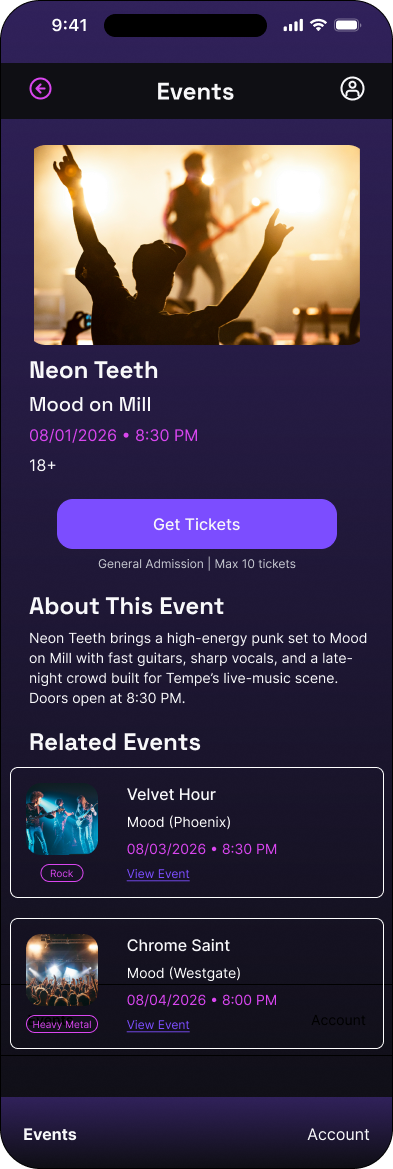
Individual event
High fidelity · 15 of 15
FLOW 02
The primary purchase journey covers authentication, event selection, quantity, contact and payment details, review, and confirmation.
Cover
High fidelity · 01 of 14
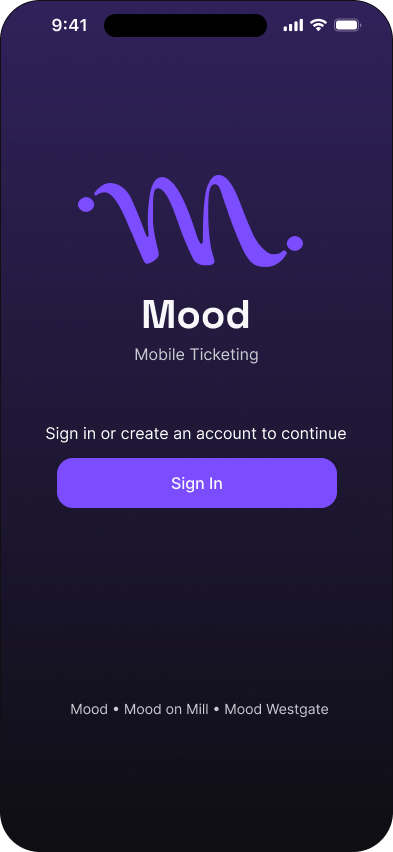
Sign in: empty state
High fidelity · 02 of 14

Sign in: completed state
High fidelity · 03 of 14

Main events
High fidelity · 04 of 14
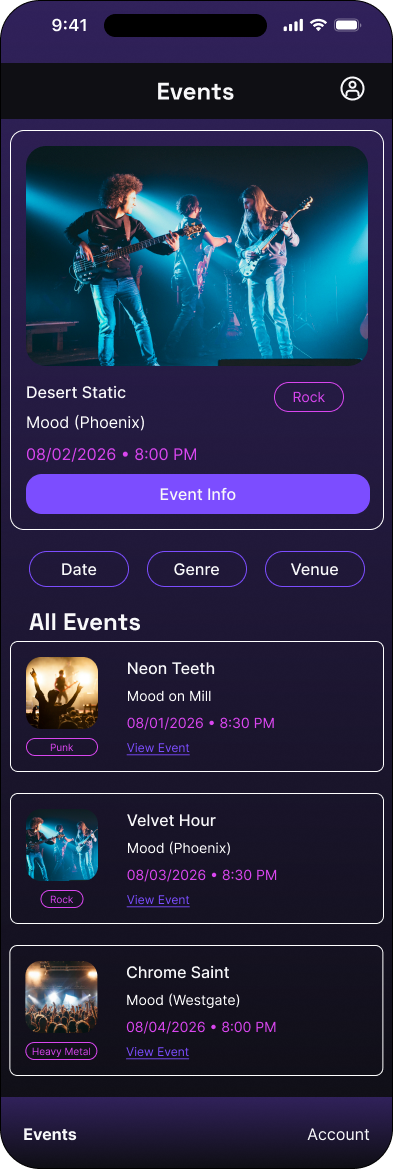
Individual event
High fidelity · 05 of 14
Quantity selection: initial state
High fidelity · 06 of 14
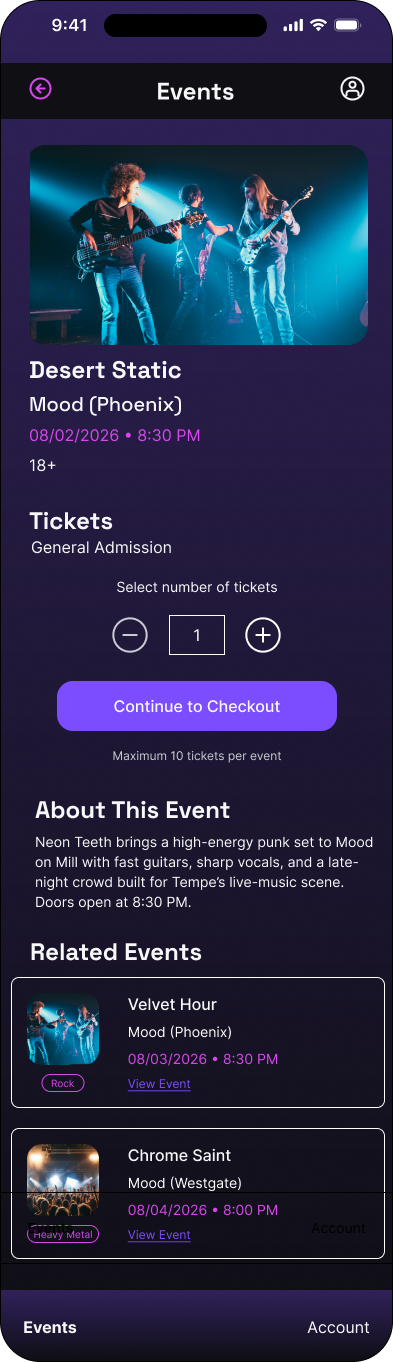
Quantity selection: updated state
High fidelity · 07 of 14
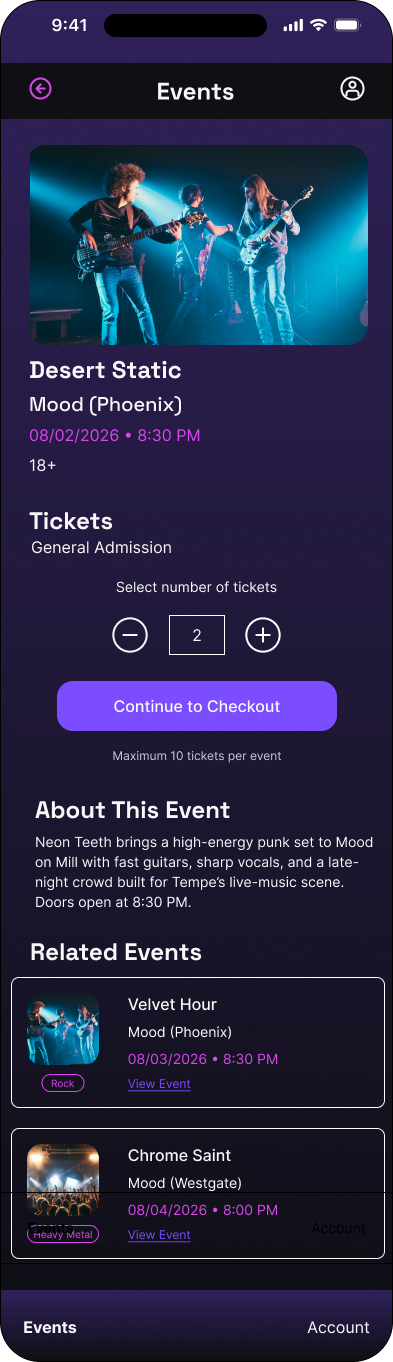
Contact information: empty state
High fidelity · 08 of 14
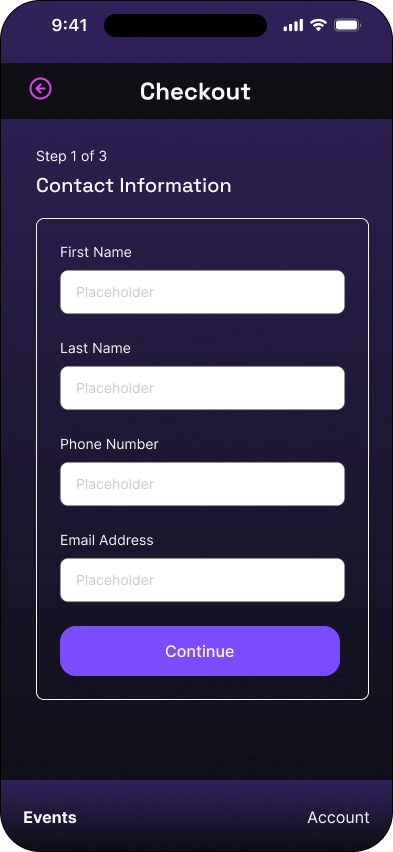
Contact information: completed state
High fidelity · 09 of 14
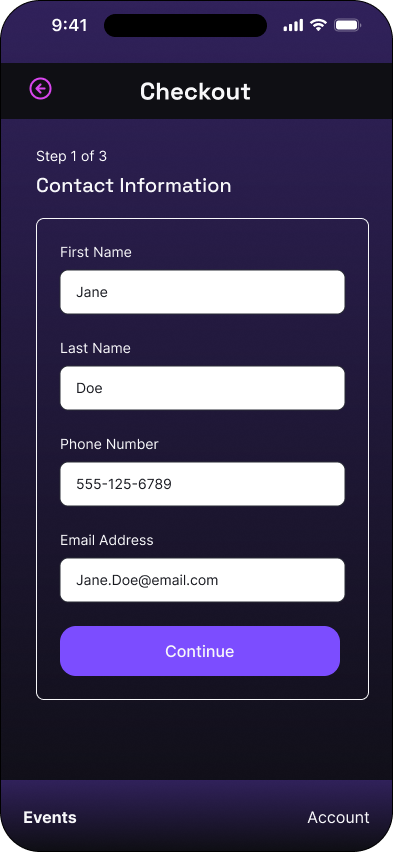
Billing and payment: empty state
High fidelity · 10 of 14
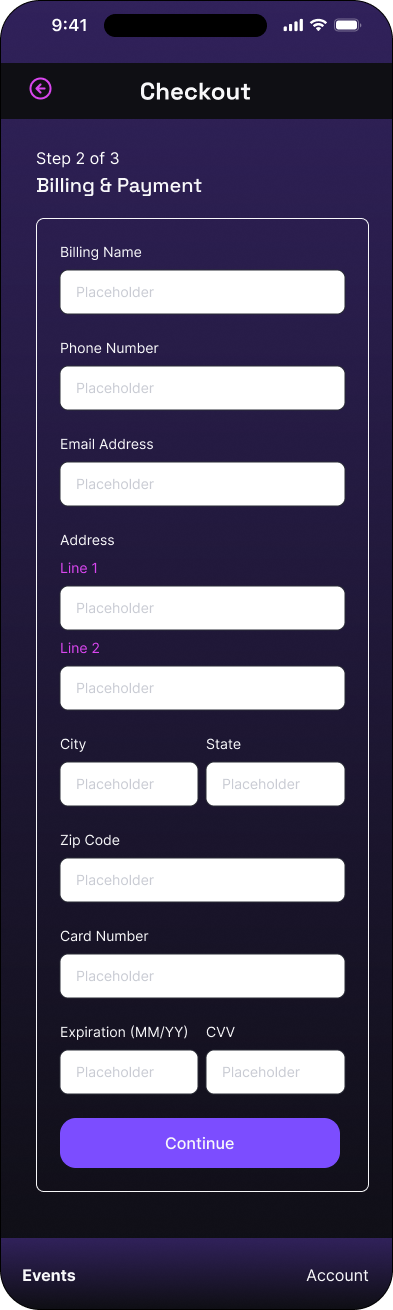
Billing and payment: completed state
High fidelity · 11 of 14
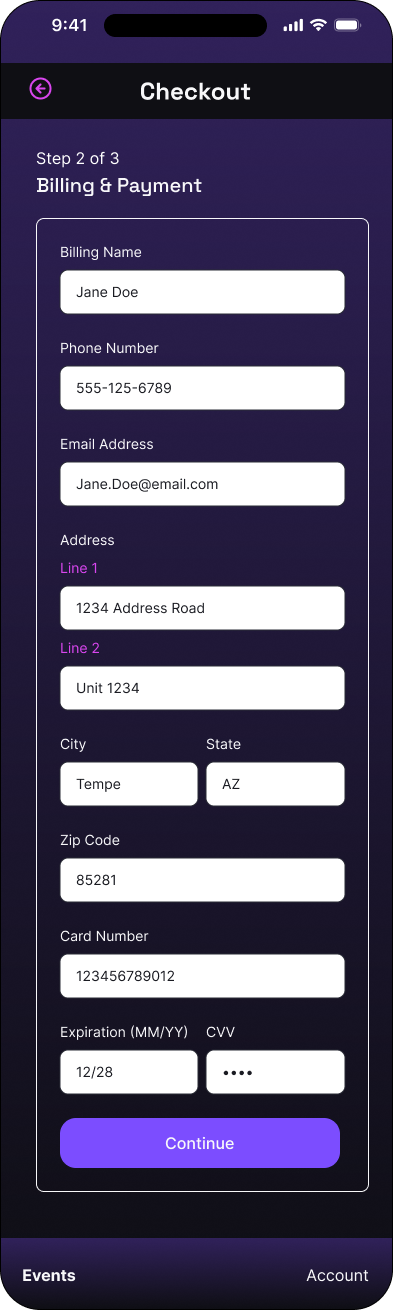
Review and terms: initial state
High fidelity · 12 of 14
Review and terms: accepted state
High fidelity · 13 of 14
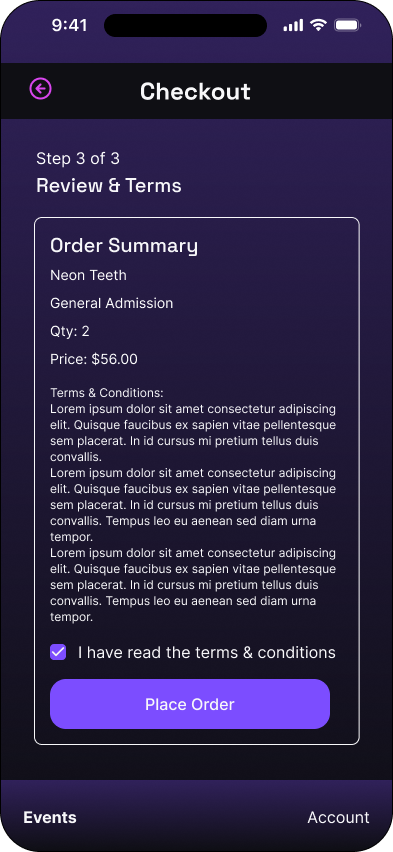
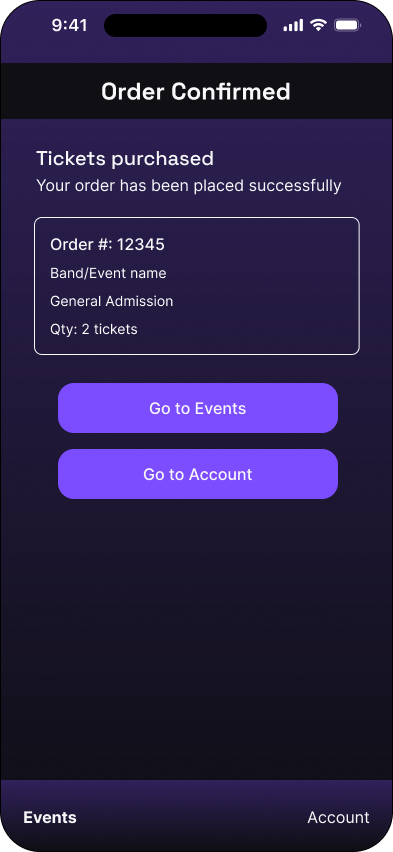
Purchase confirmation
High fidelity · 14 of 14
FLOW 03
Calendar, genre, and combined filter states make a deliberately search-free event catalog easy to narrow.
Main events: default state
High fidelity · 01 of 7
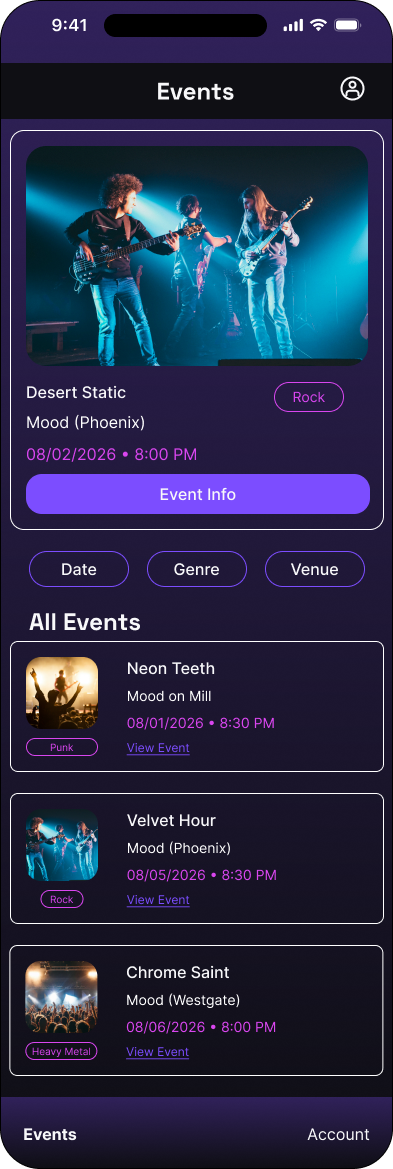
Calendar filter: opening state
High fidelity · 02 of 7
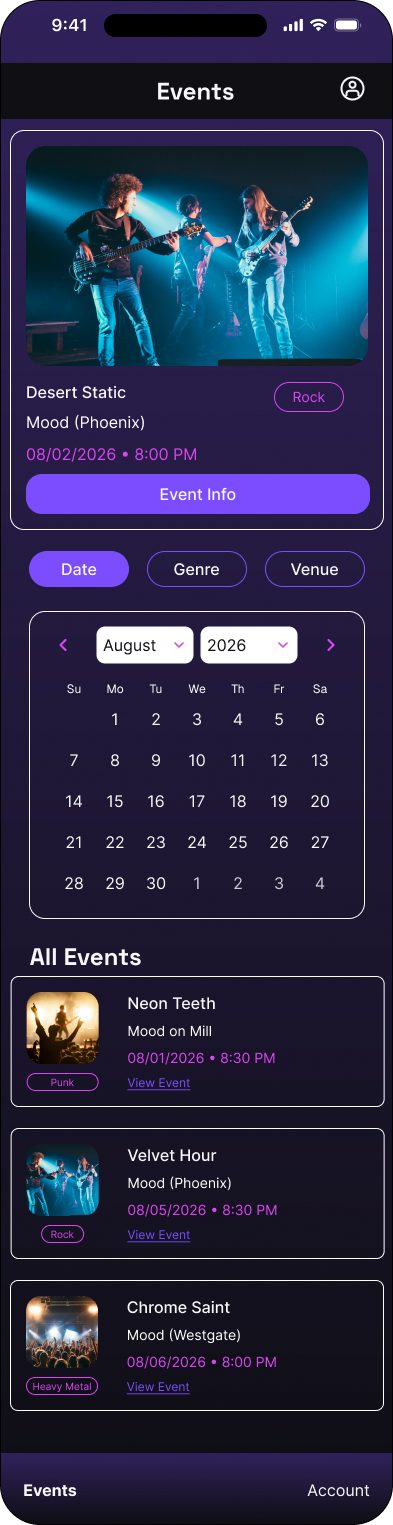
Calendar filter: date selection
High fidelity · 03 of 7
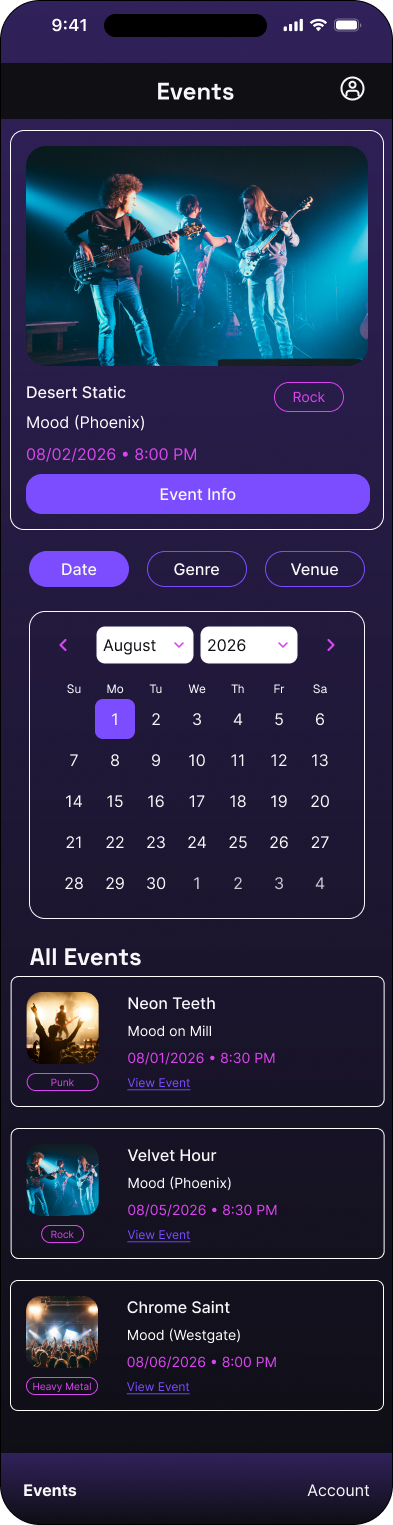
Calendar filter: selected date
High fidelity · 04 of 7
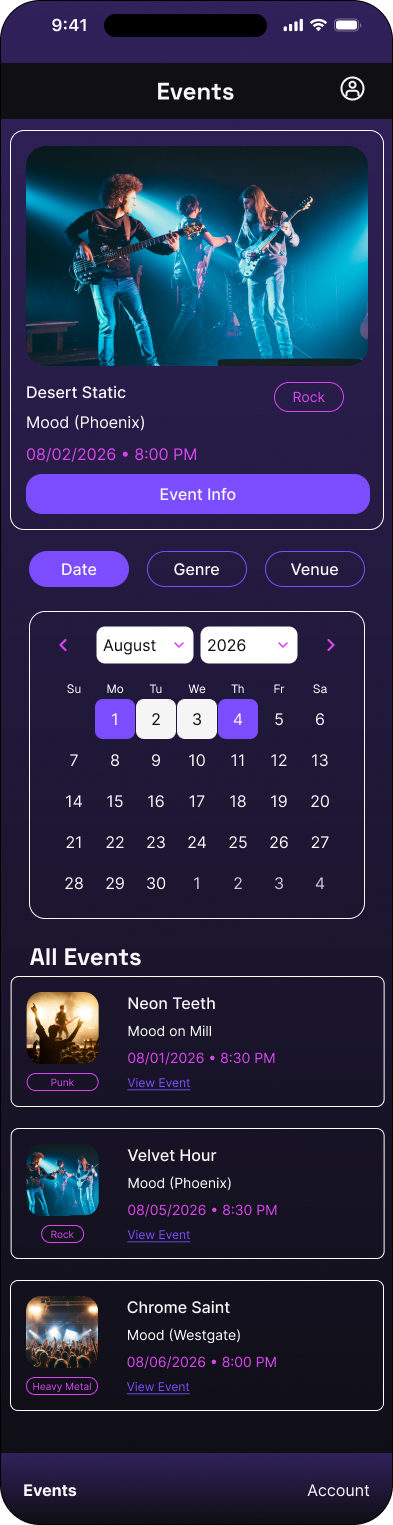
Filtered event results
High fidelity · 05 of 7
Main events: results state
High fidelity · 06 of 7
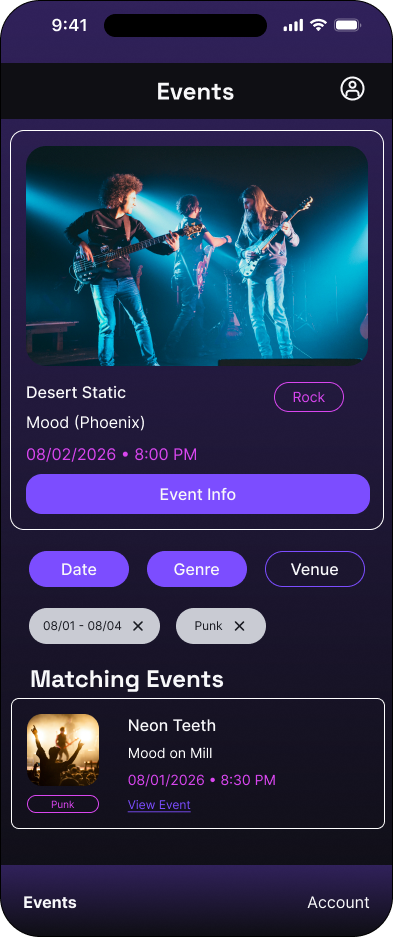
Genre filter
High fidelity · 07 of 7
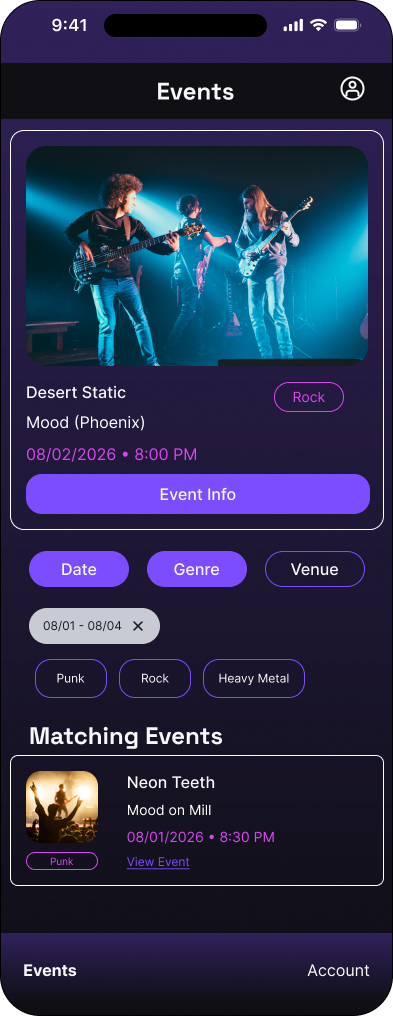
FLOW 04
A returning customer signs in, moves through events and account navigation, and opens a scannable virtual ticket.
Cover
High fidelity · 01 of 6
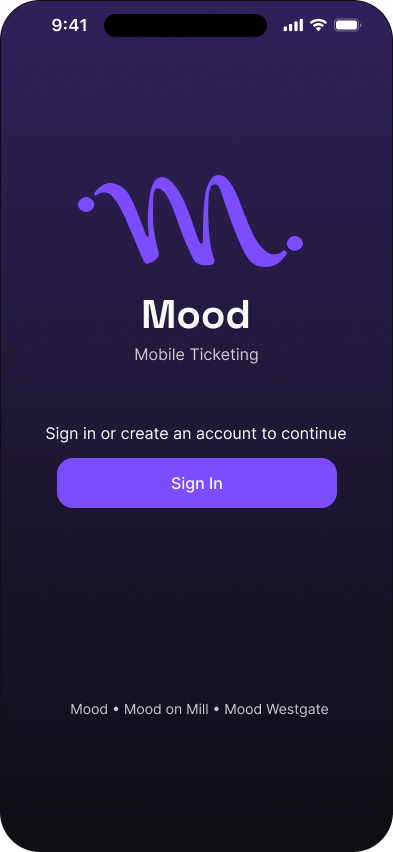
Sign in: empty state
High fidelity · 02 of 6

Sign in: completed state
High fidelity · 03 of 6

Main events
High fidelity · 04 of 6
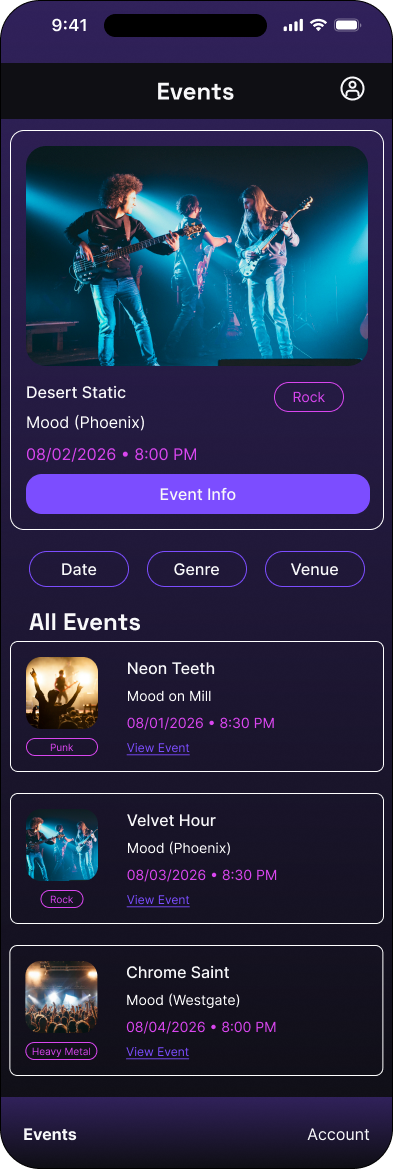
Account
High fidelity · 05 of 6
Virtual ticket
High fidelity · 06 of 6
Process
This earlier pass establishes screen hierarchy, navigation, form sequencing, filters, two purchase paths, account management, and the virtual ticket before visual refinement.
Cover
Mid fidelity · 01 of 26
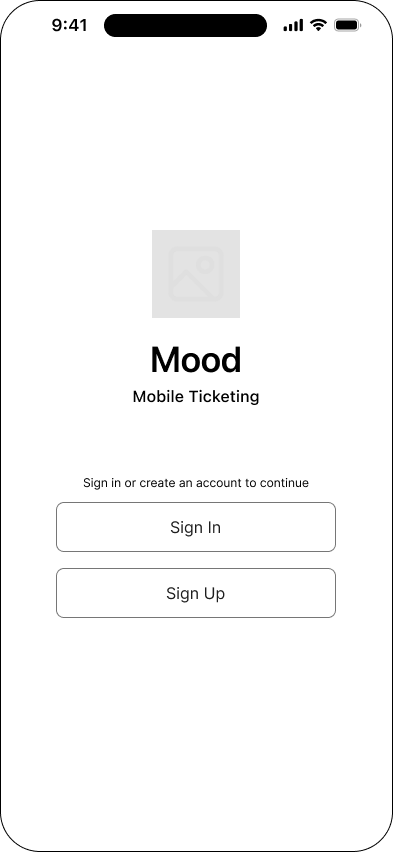
Choose a sign-up method
Mid fidelity · 02 of 26
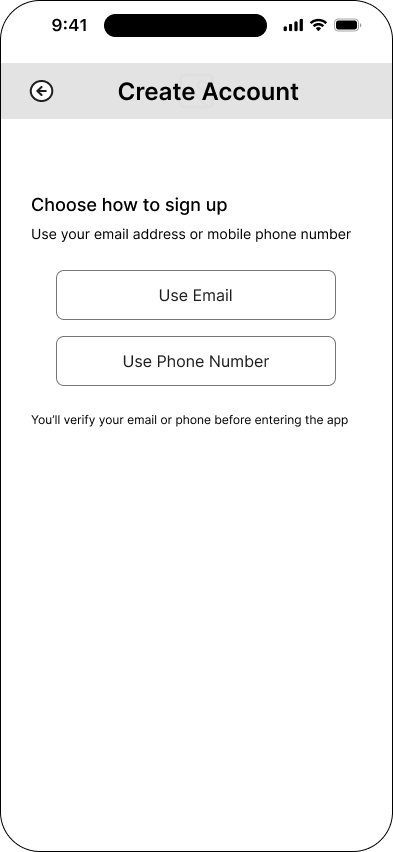
Email sign-up
Mid fidelity · 03 of 26
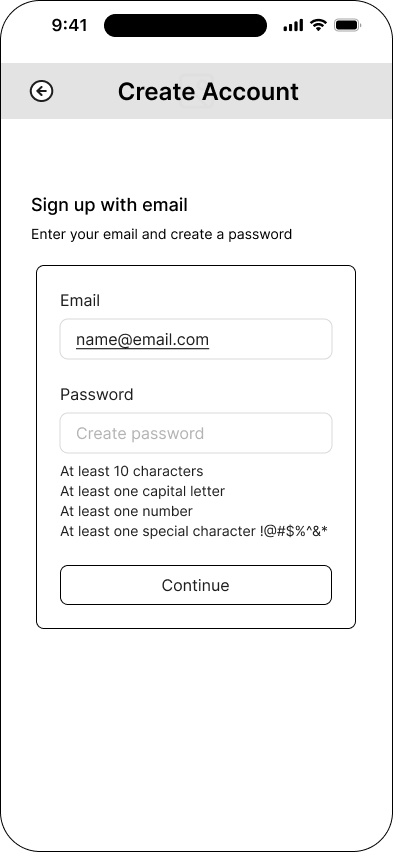
Phone sign-up
Mid fidelity · 04 of 26
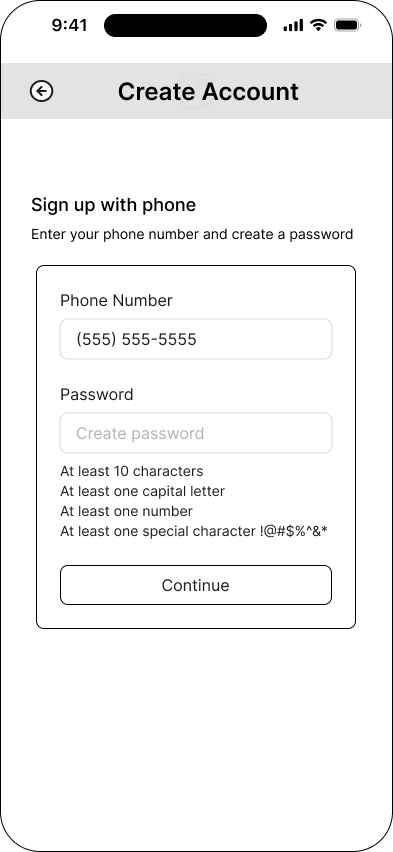
Verification code
Mid fidelity · 05 of 26
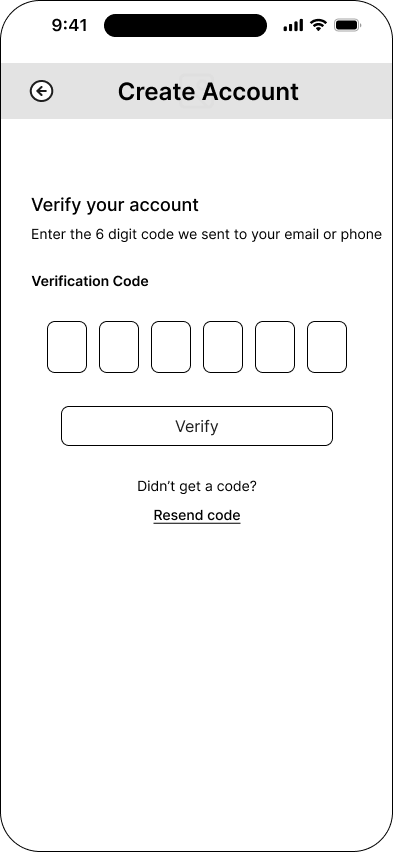
Account created
Mid fidelity · 06 of 26
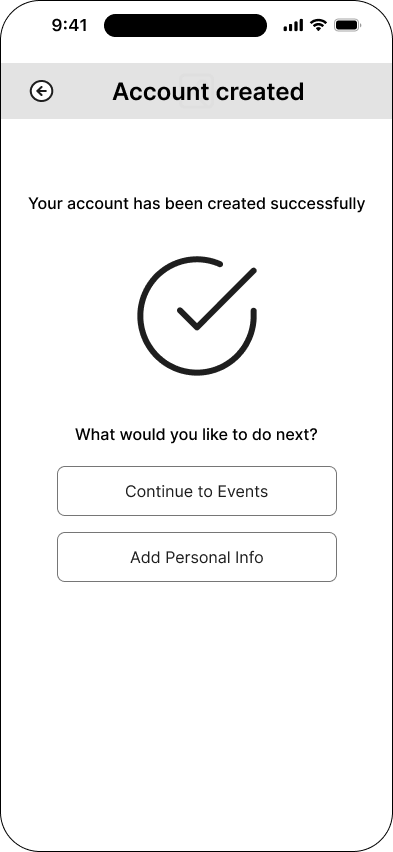
Optional personal information
Mid fidelity · 07 of 26
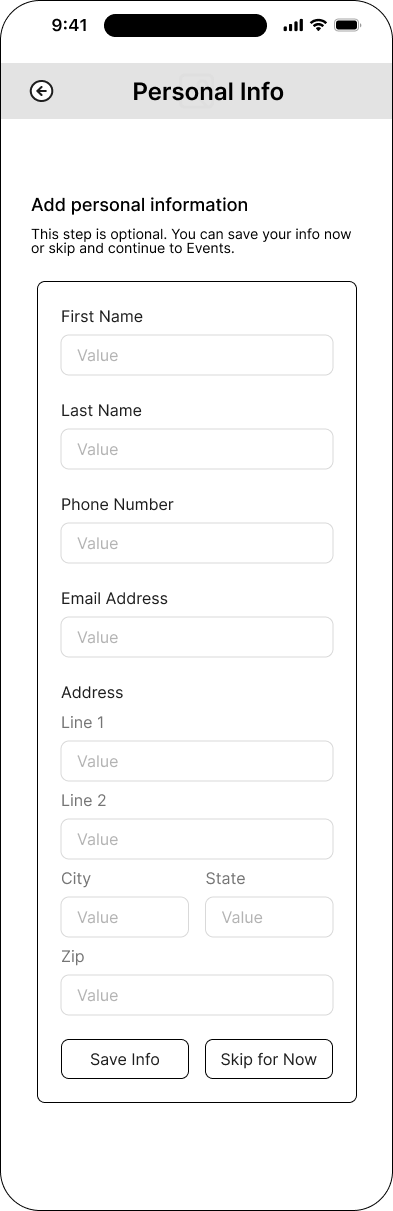
Personal information saved
Mid fidelity · 08 of 26
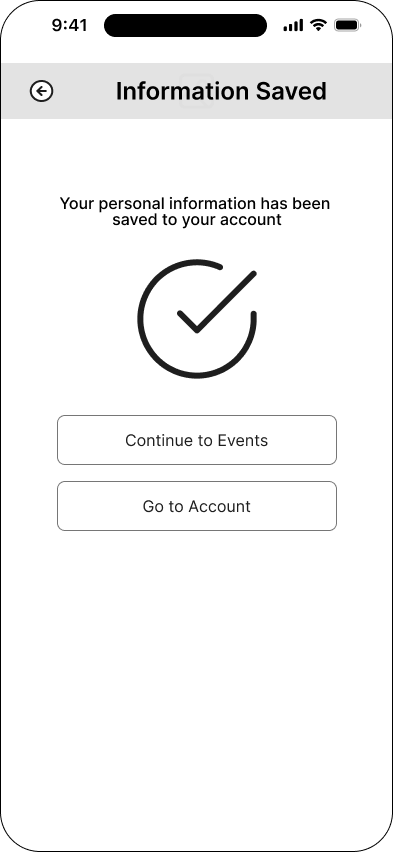
Main events
Mid fidelity · 09 of 26
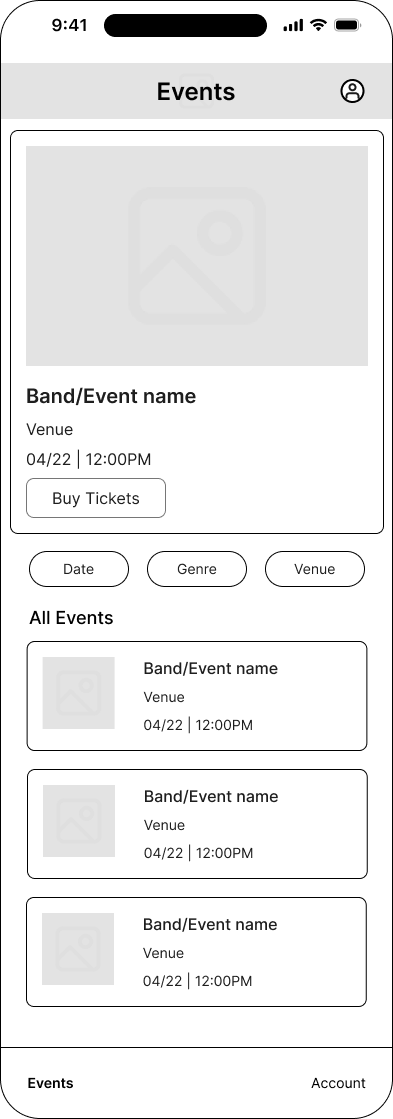
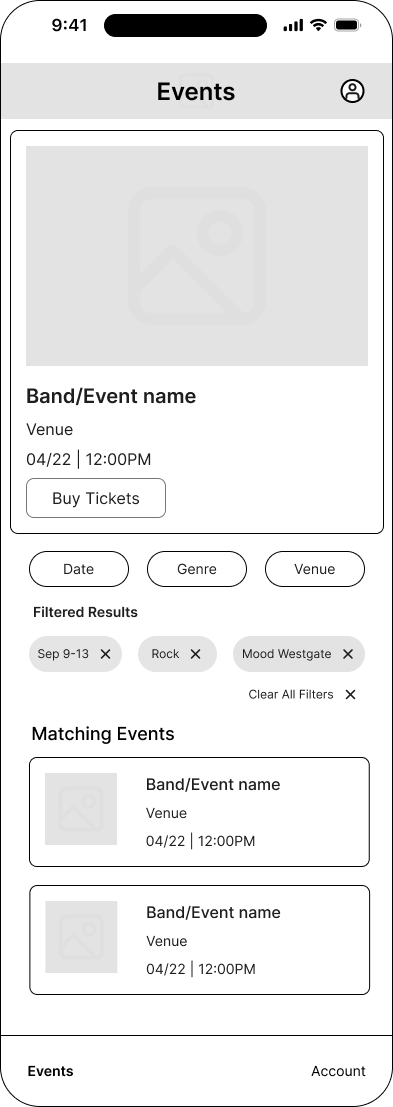
Filters open
Mid fidelity · 10 of 26
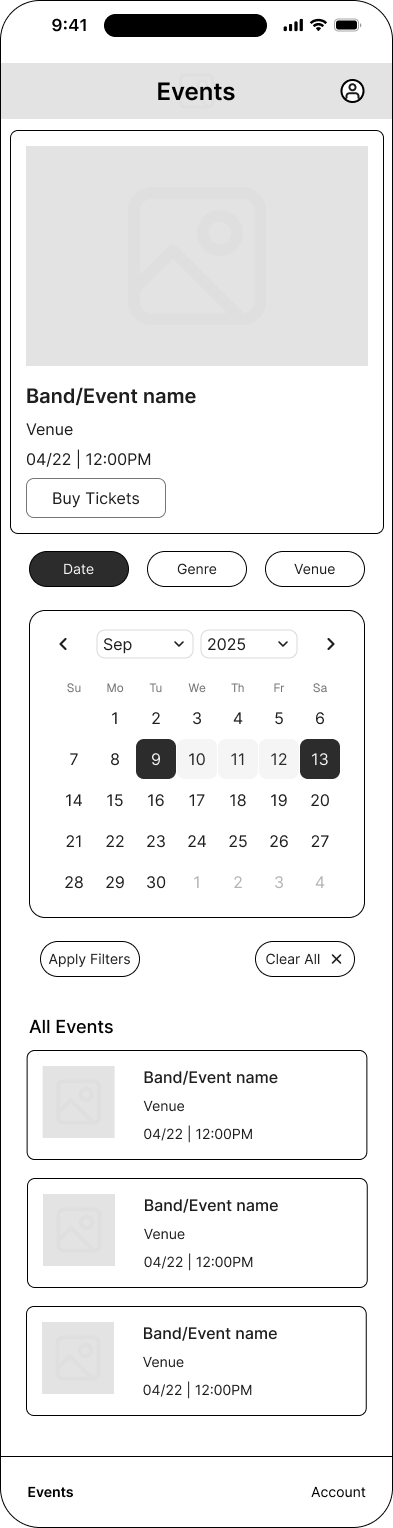
Filters active
Mid fidelity · 11 of 26
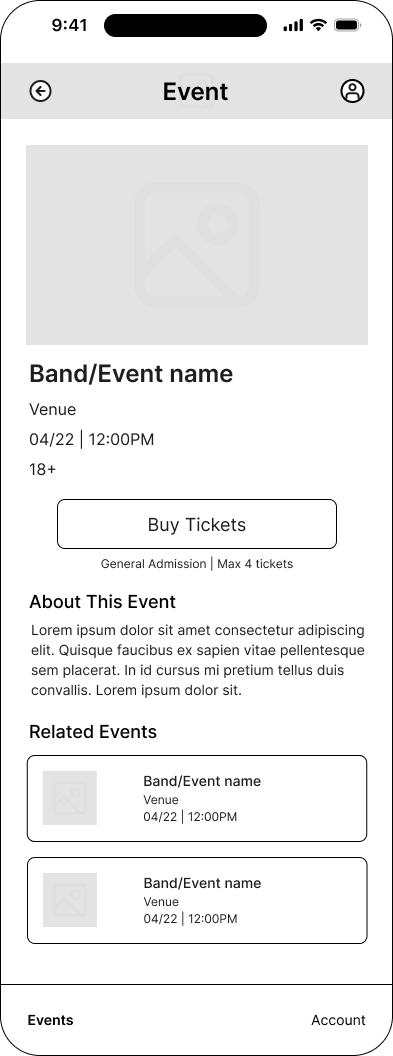
Individual event
Mid fidelity · 12 of 26
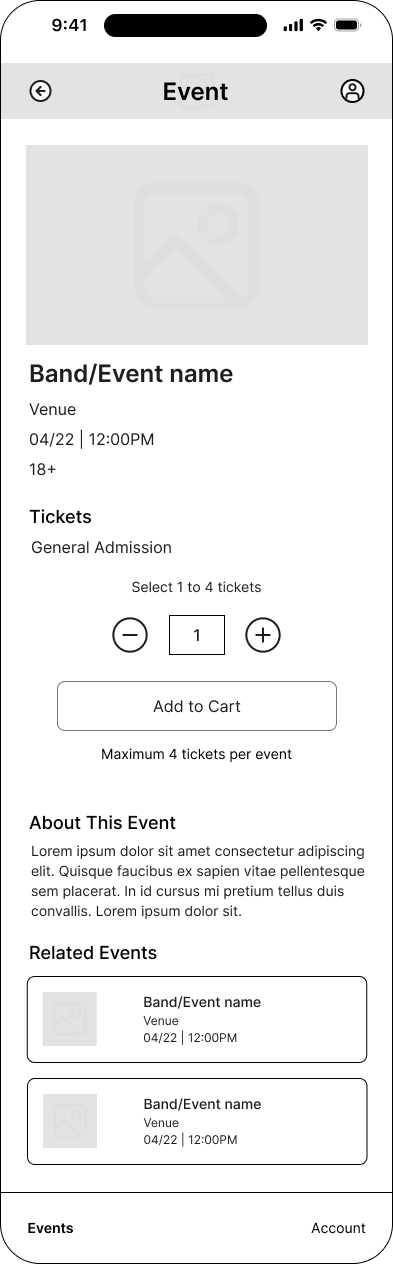
Cart quantity selection
Mid fidelity · 13 of 26
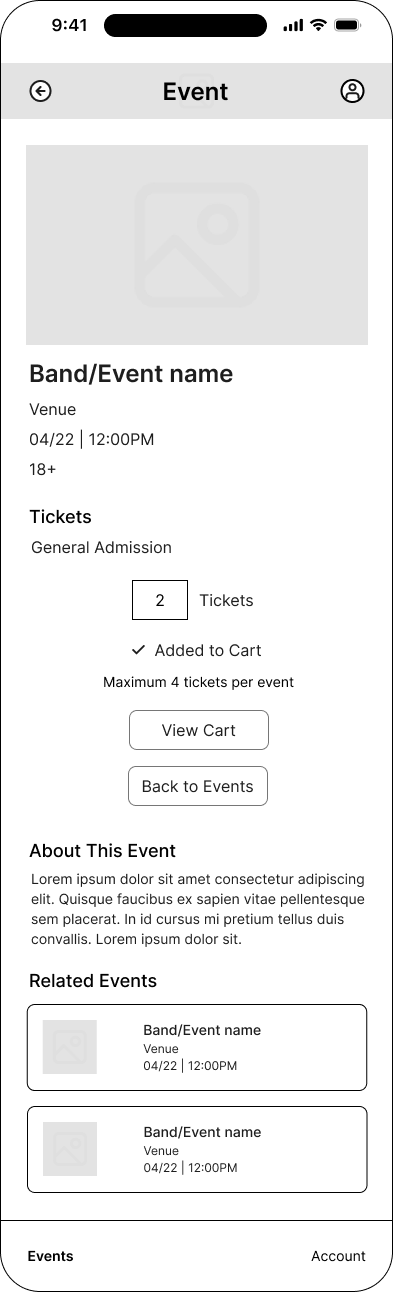
Added-to-cart state
Mid fidelity · 14 of 26
Cart
Mid fidelity · 15 of 26
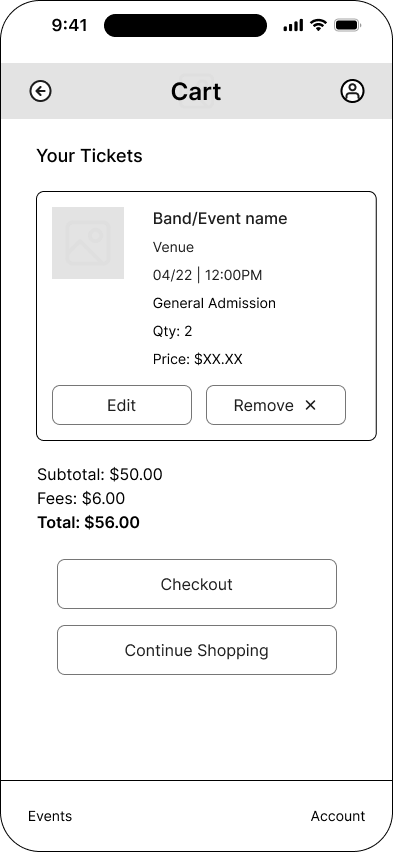
Checkout: contact information
Mid fidelity · 16 of 26
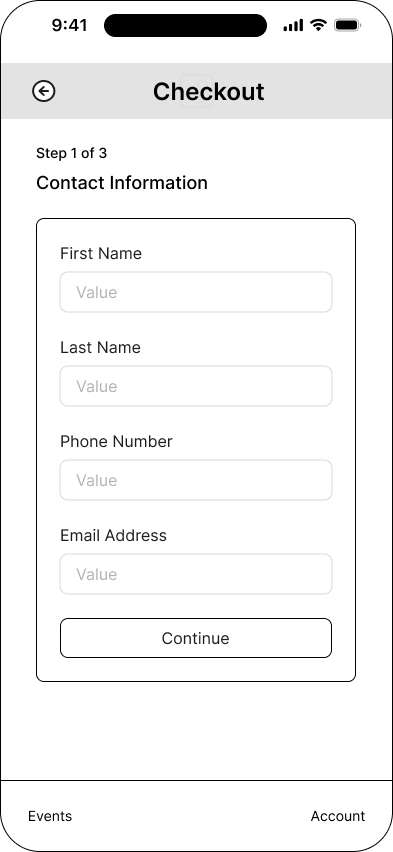
Checkout: billing and card
Mid fidelity · 17 of 26
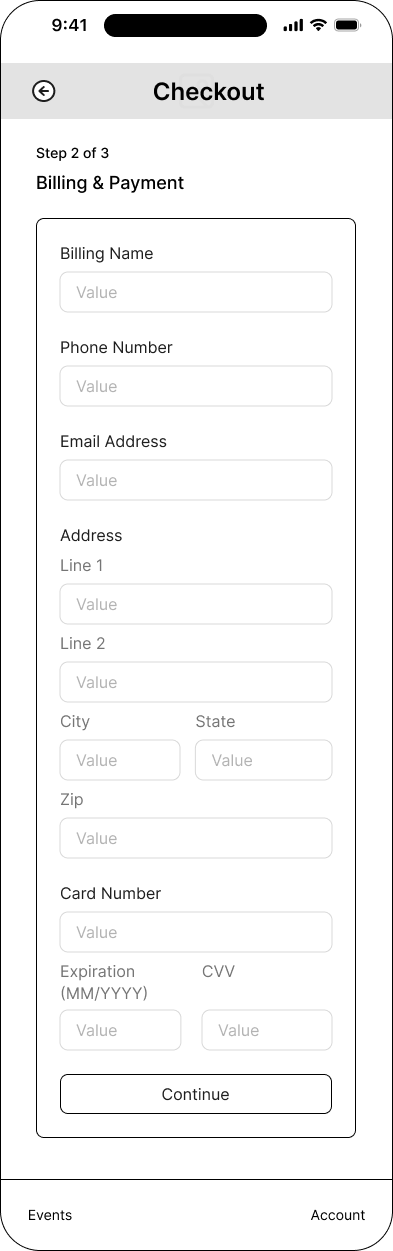
Checkout: review and terms
Mid fidelity · 18 of 26
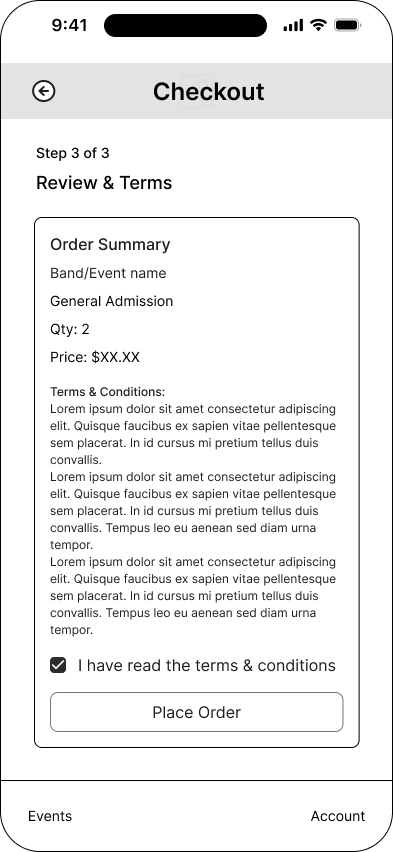
Purchase confirmation
Mid fidelity · 19 of 26
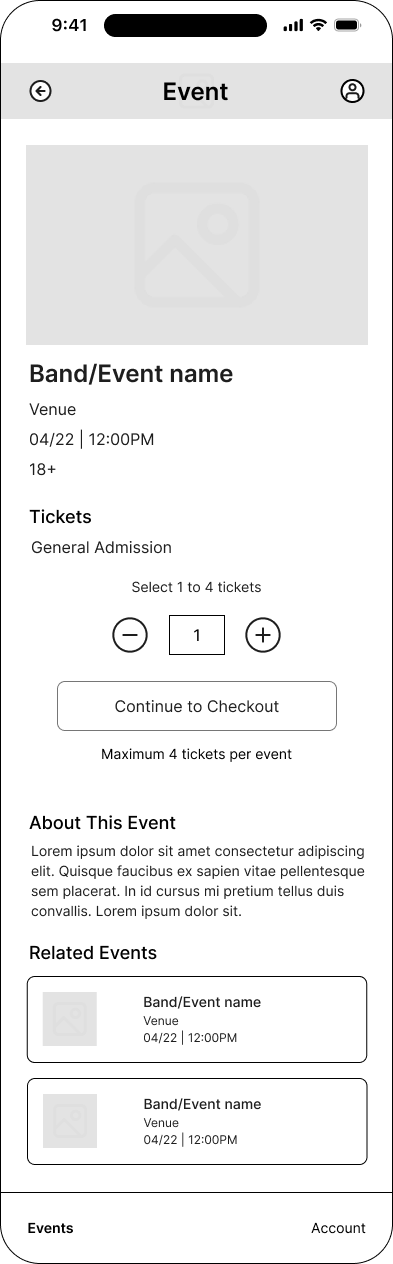
Direct checkout quantity selection
Mid fidelity · 20 of 26
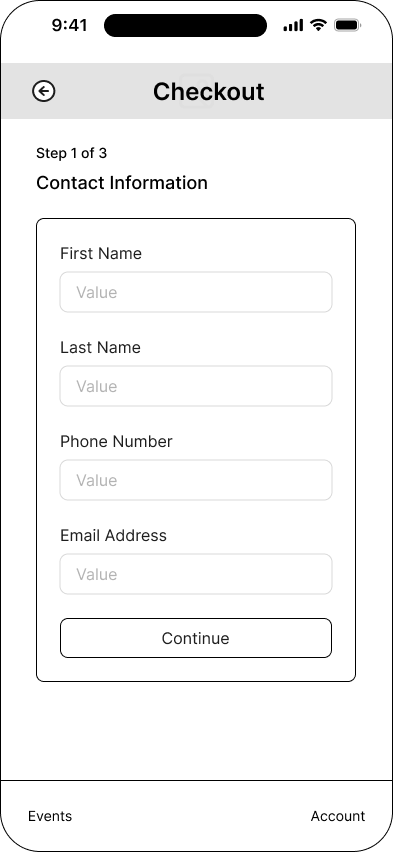
Direct checkout: contact information
Mid fidelity · 21 of 26
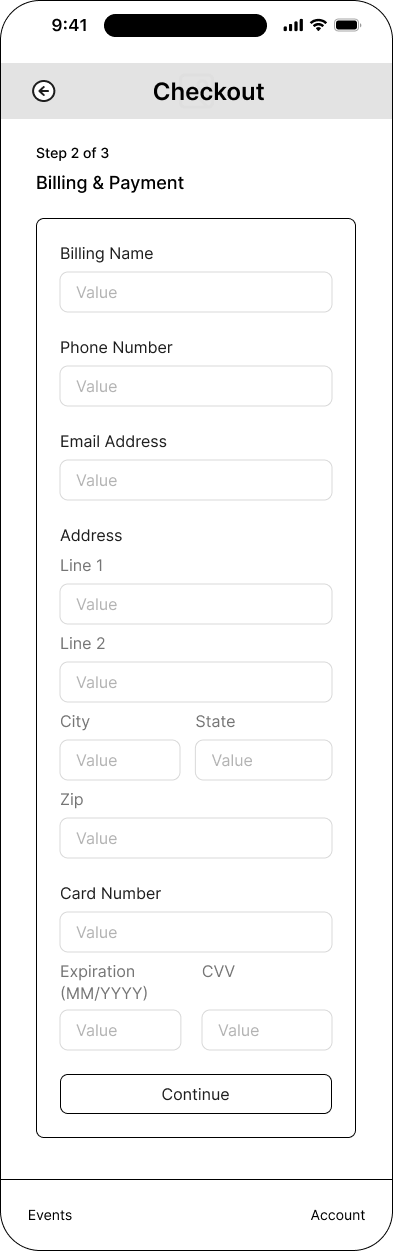
Direct checkout: billing and payment
Mid fidelity · 22 of 26
Direct checkout: review and terms
Mid fidelity · 23 of 26
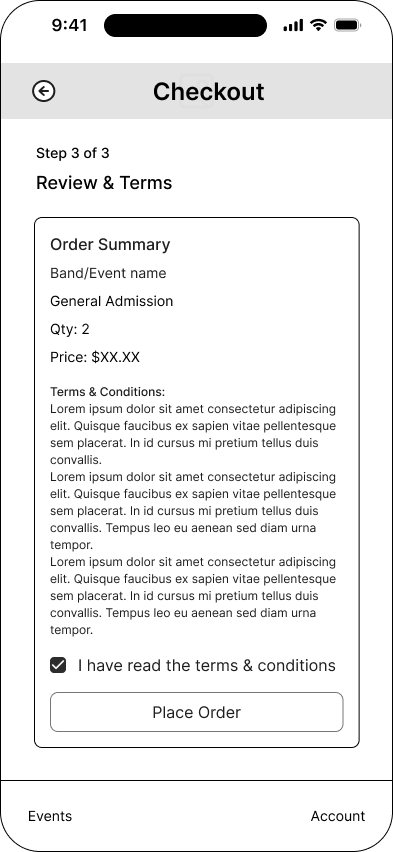
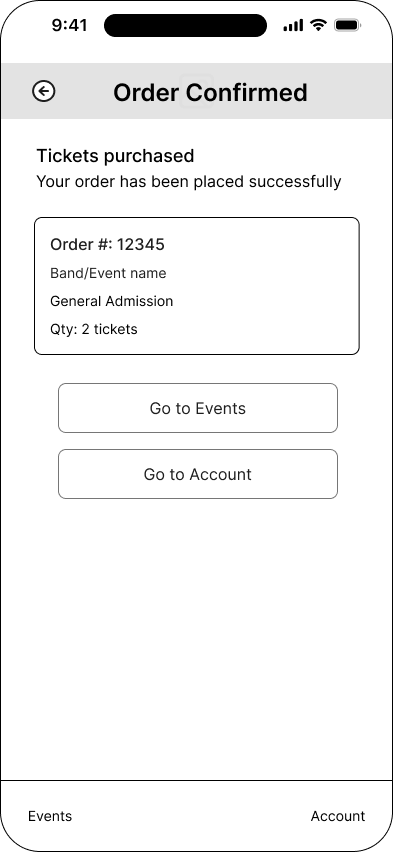
Direct purchase confirmation
Mid fidelity · 24 of 26
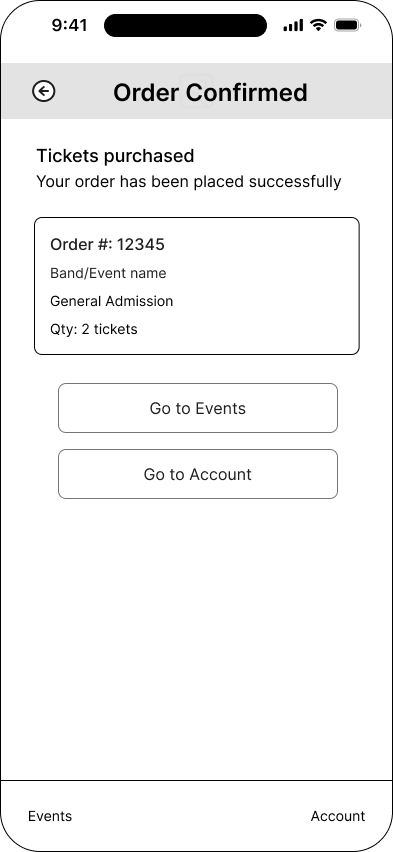
Account
Mid fidelity · 25 of 26
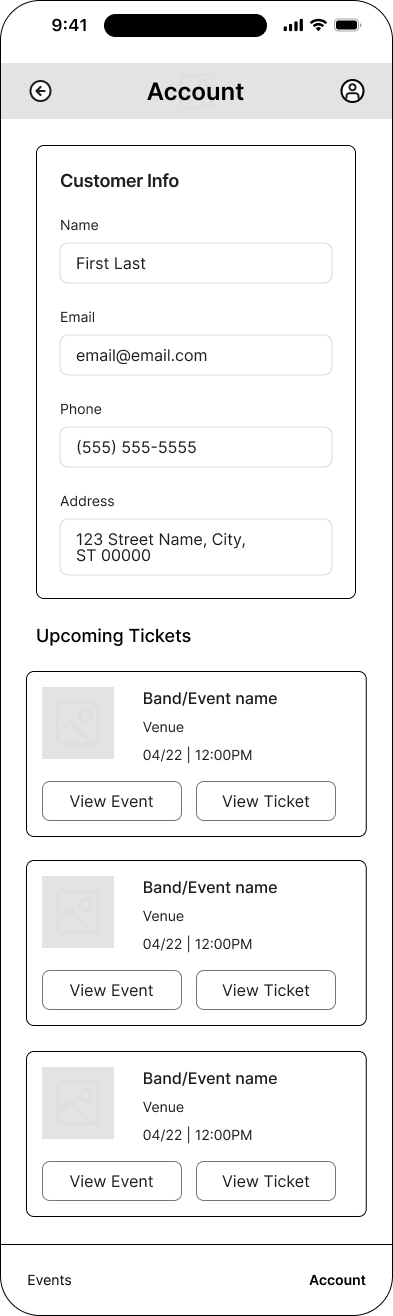
Virtual ticket
Mid fidelity · 26 of 26
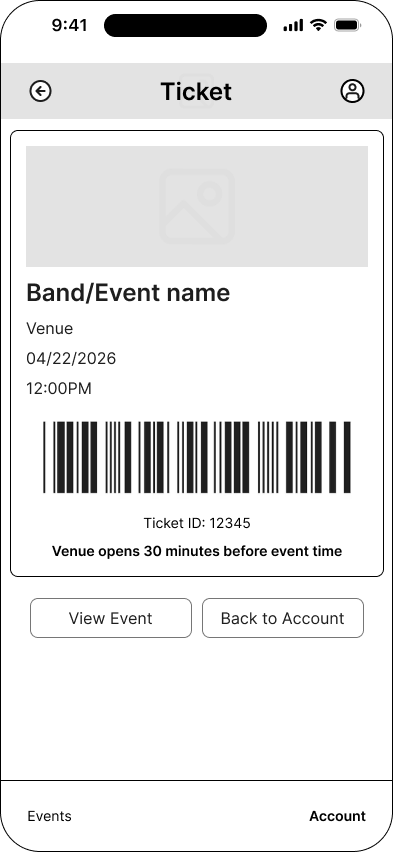
Source files
The website presents every frame as an accessible, navigable case study. The original files preserve the editable layouts and full canvas organization.